Getting Started
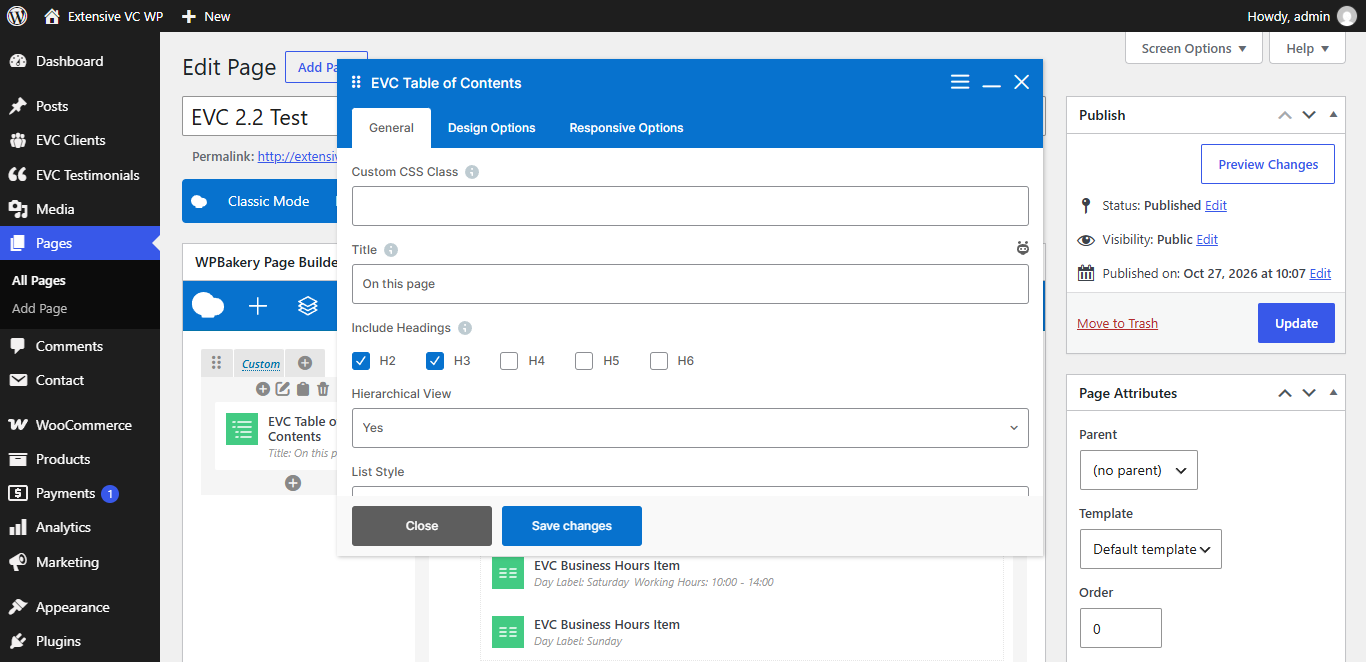
Extensive VC is a powerful WordPress tool which allows you to add unique, flexible and fully responsive shortcode elements on your site. Table of contents is generated automatically from headings of this content.
Requirements
Plugin requires WordPress 6.0, PHP 8.2 and WPBakery page builder plugin. All elements are compatible with WPML and Polylang plugins.
Installation
Go to your WordPress Dashboard, Plugins, Add New and search for Extensive VC. Install and activate the plugin and you are ready to go.
Adding Elements
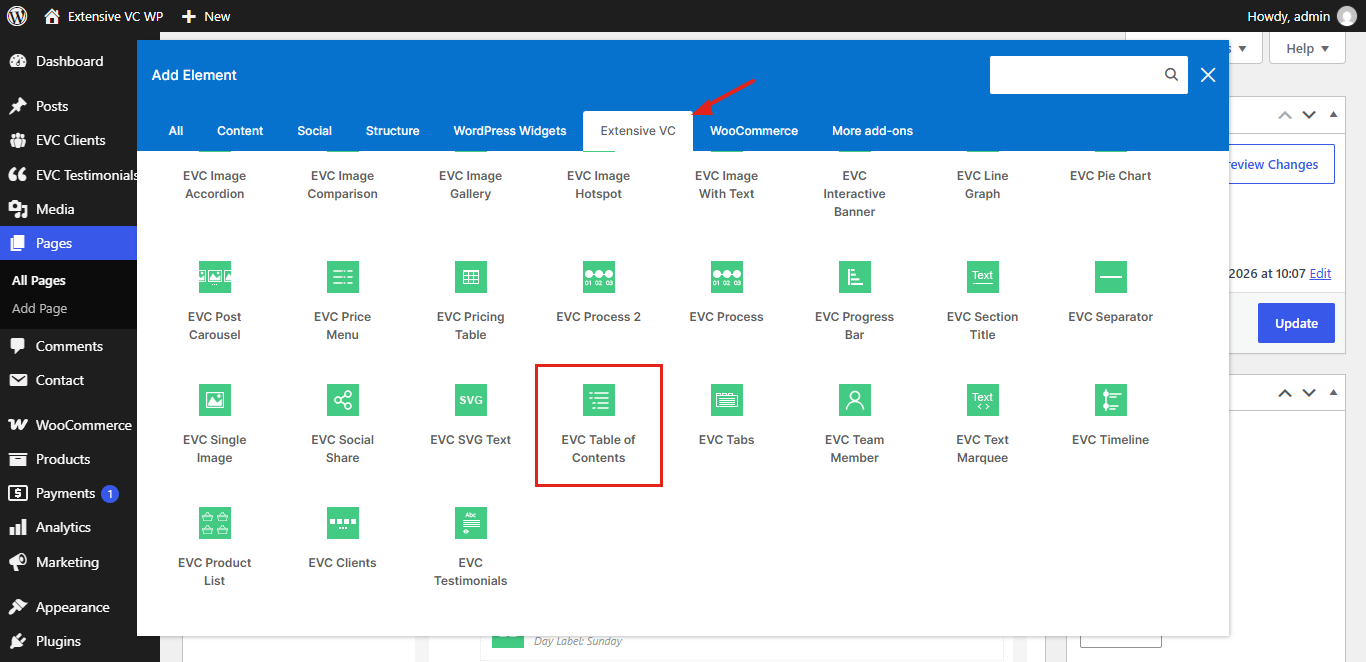
Open your page with WPBakery page builder, click on add element button and open Extensive VC tab. There you can find all elements from four element packs.
Element Options
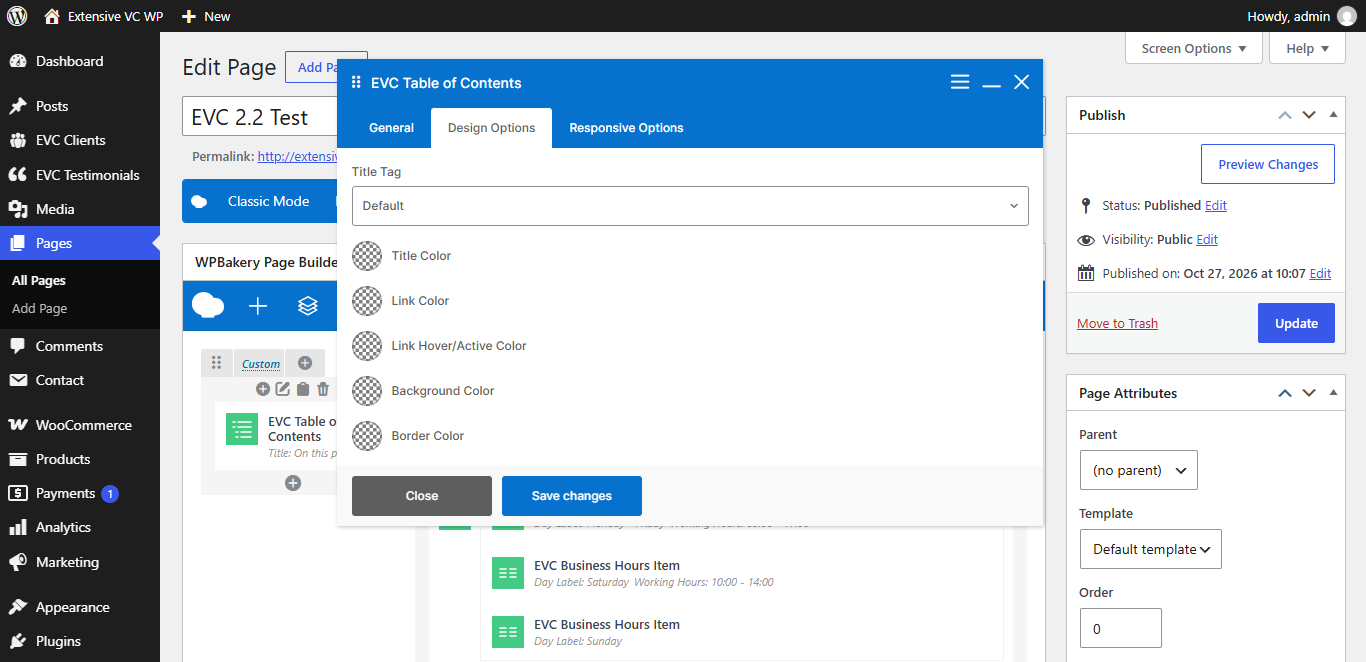
Every element has general, design and responsive options, so you can change its look on desktop, tablet and mobile devices.
Global Settings
In Extensive VC settings page you can set main color, predefined style and choose which elements are enabled on your site.
Performance
Styles and scripts are loaded only on pages where elements are used, and fonts are loaded locally without connection to Google servers.