Top

Image Accordion

IMAGE ACCORDION SHORTCODE

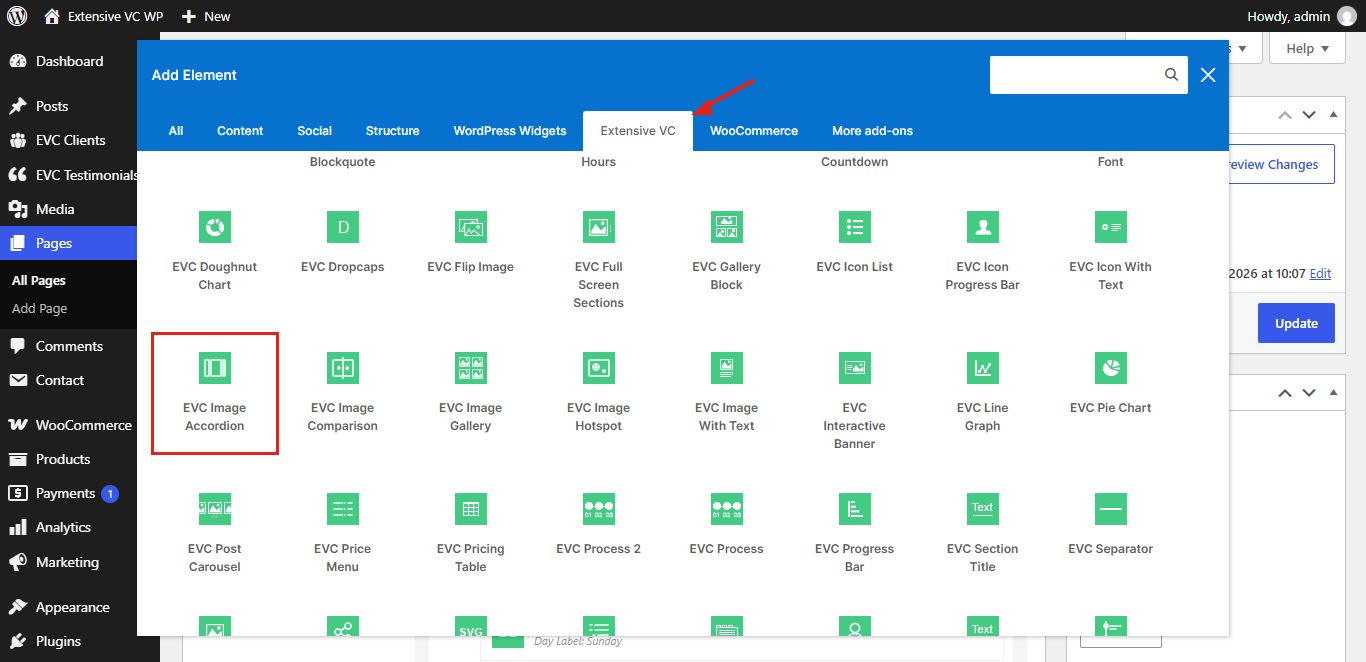
Image Accordion element is the one of shortcodes from the Interactive shortcode pack. It’s WordPress addon for premium WordPress plugin WPBakery page builder Visual Composer. Below you can see all variations of this shortcode with all admin options and functionalities.

Image Accordion – Horizontal Opened On Hover
WP Realize Extensive VC plugin - Image 7

Ideas

Every great website starts with a great idea

Classic Pack
WP Realize Extensive VC plugin - Image 8

Create

Build unique layouts with flexible elements

Interactive Pack
WP Realize Extensive VC plugin - Image 10

Build

Fully responsive elements for every device

Infographic Pack
WP Realize Extensive VC plugin - Home 2

Inspire

Animations which bring content to life

Typography Pack
WP Realize Extensive VC plugin - Full Screen Sections shortcode

Vision

Free addon for WPBakery page builder

Image Accordion – Opened On Click
WP Realize Extensive VC plugin - Image 1

Analyze

Vertical orientation with centered content

WP Realize Extensive VC plugin - Image 3

Plan

Click on item to open it

WP Realize Extensive VC plugin - Image 6

Grow

Click again to close it

WP Realize Extensive VC plugin - Full Screen Sections shortcode

Workspace

WP Realize Extensive VC plugin - Full Screen Sections shortcode

Desk Setup

Custom overlay colors and no space between items

WP Realize Extensive VC plugin - Home 1

Studio

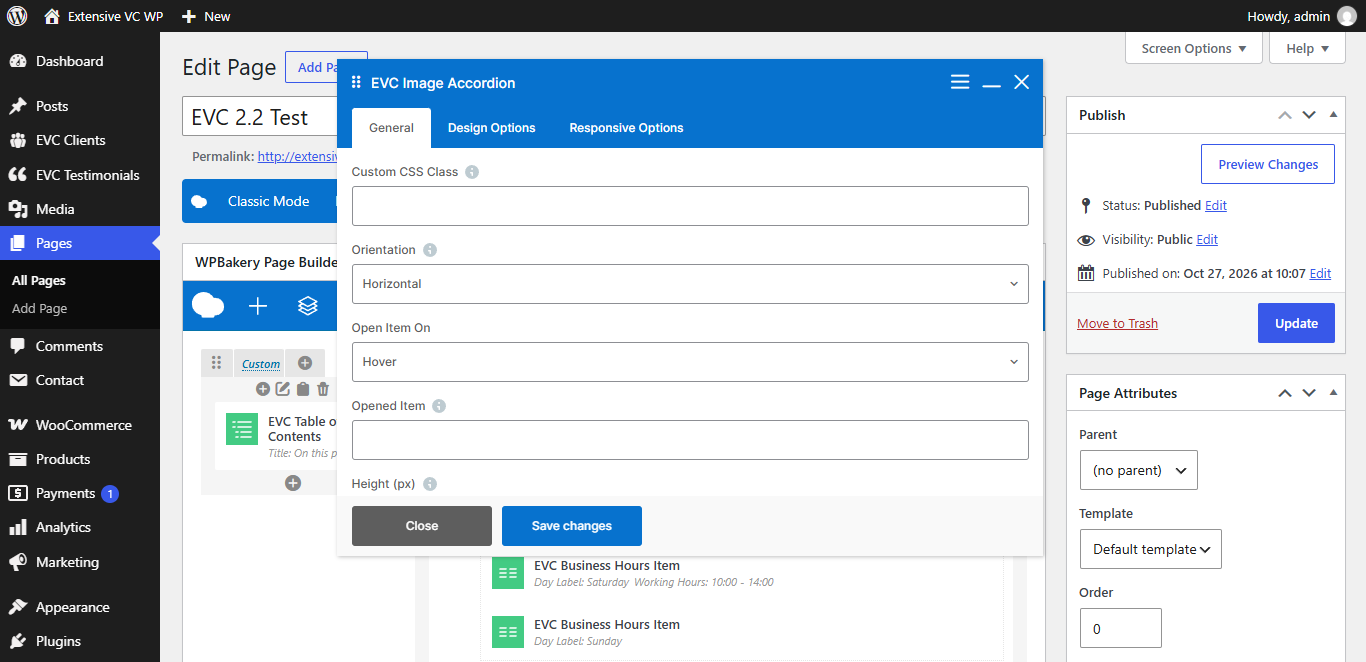
ADMIN OPTIONS

– Custom CSS Class

Style particular content element differently – add a class name and refer to it in custom CSS

– Orientation
  • Horizontal
  • Vertical

Horizontal accordion is displayed vertically on mobile devices

– Open Item On
  • Hover
  • Click
– Opened Item

Number of item which is opened by default. Default value is 1, set 0 to keep all items closed

– Height (px)

Height of the element for horizontal orientation or height of opened item for vertical orientation. Default value is 450

– Image Size

Fill your image size (thumbnail, medium, large, full or any registered image size) or enter image size in pixels: 200×100 (width x height). Default value is large

– Space Between Items (px)
– Content Alignment
  • Bottom Left
  • Center
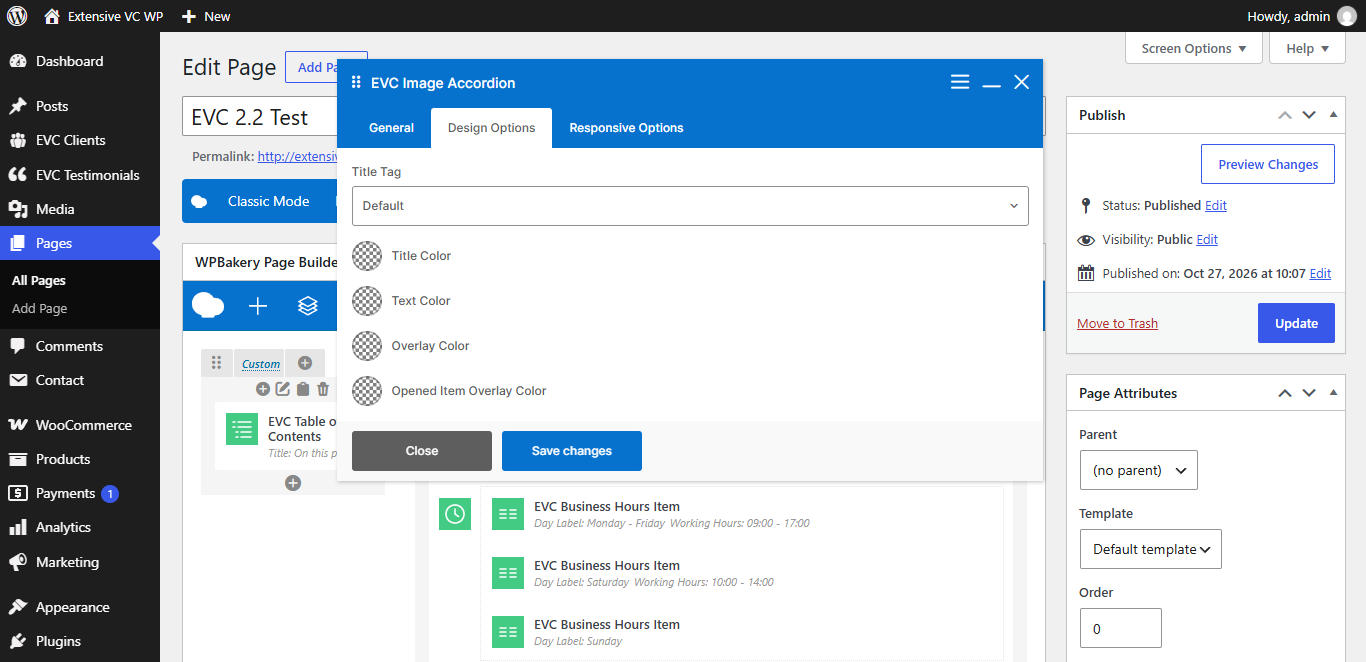
– Title Tag
  • h1
  • h2
  • h3
  • h4
  • h5
  • h6
  • p
– Title Color
– Text Color
– Overlay Color
– Opened Item Overlay Color
– Hide on Desktop
– Hide on Tablet (up to 1024px)
– Hide on Mobile (up to 680px)
– Margin on Desktop / Tablet / Mobile

Insert margin in format: top right bottom left (e.g. 10px 0 20px 0)

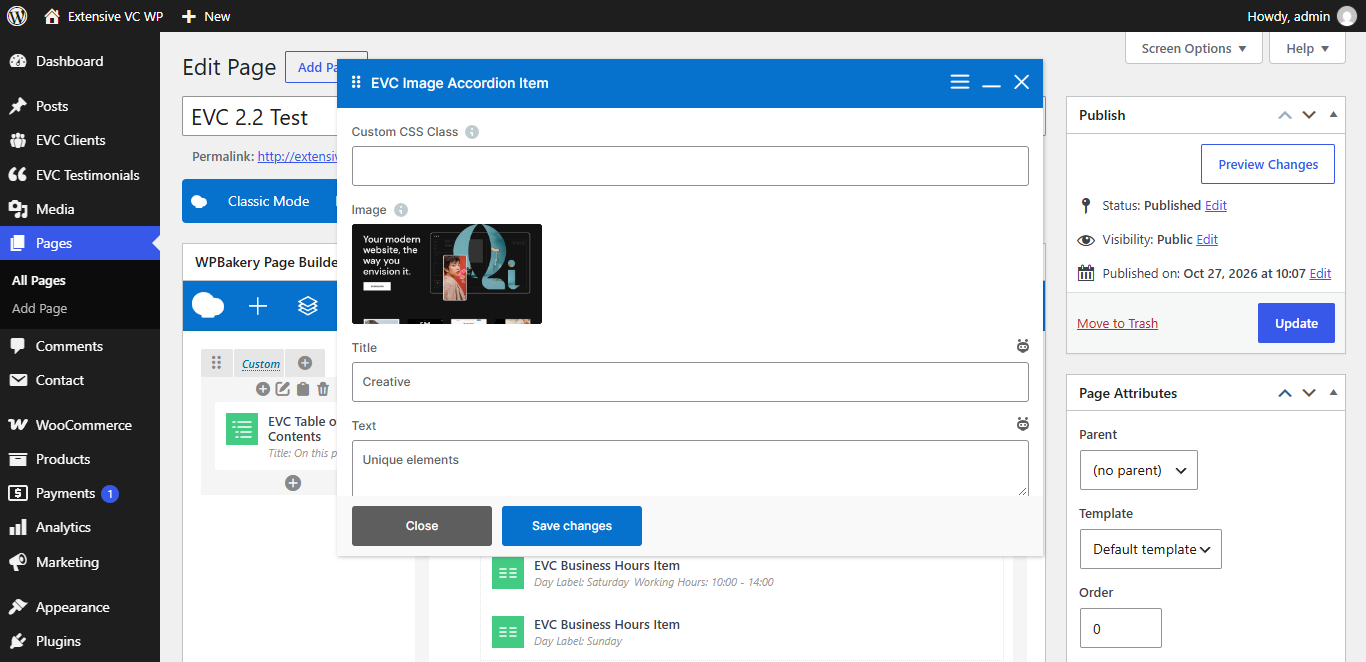
Image Accordion Item
– Image
– Title
– Text
– Custom Link
– Link Text