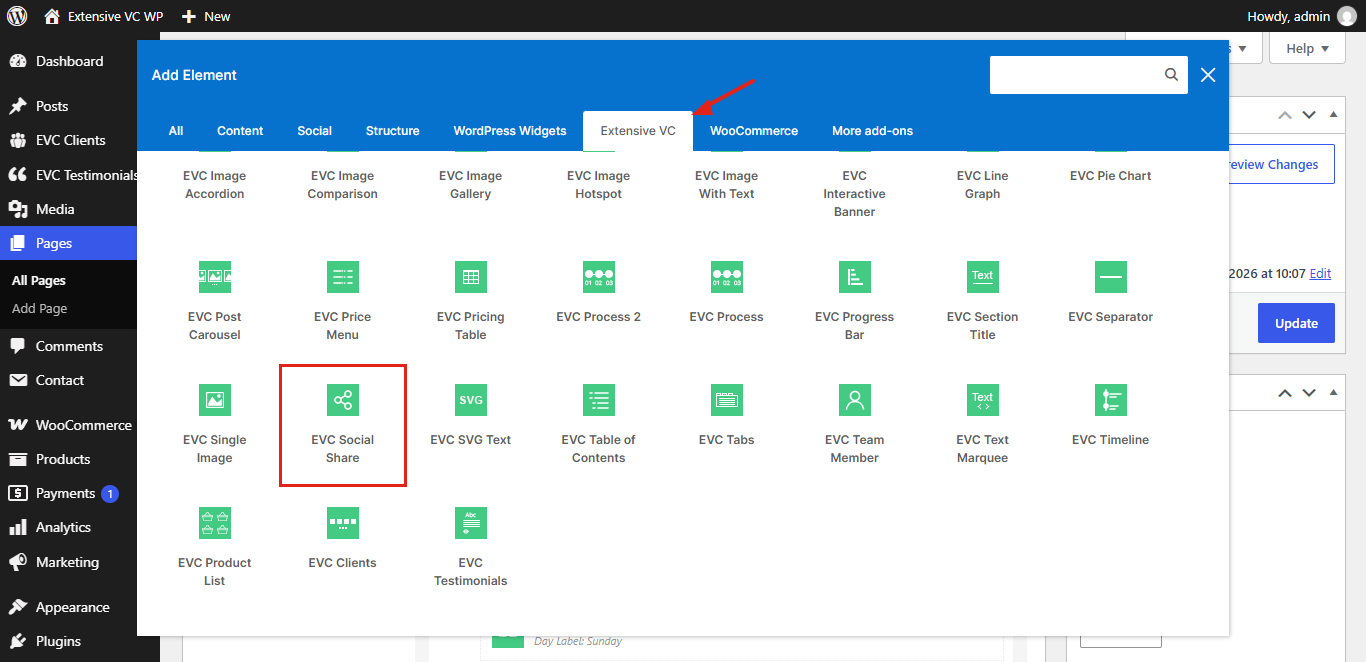
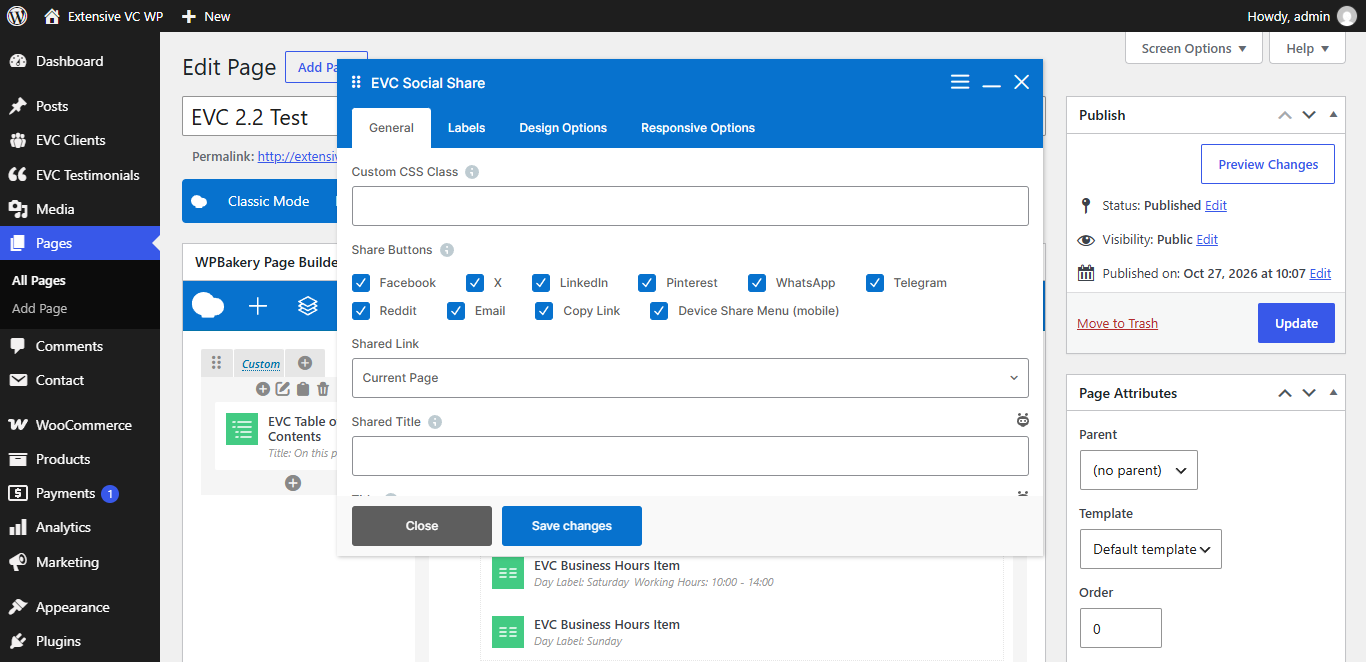
– Custom CSS Class
Style particular content element differently – add a class name and refer to it in custom CSS
– Share Buttons
- Facebook
- X
- LinkedIn
- Pinterest
- WhatsApp
- Telegram
- Reddit
- Email
- Copy Link
- Device Share Menu (mobile)
Device share menu button is displayed only in browsers which support it (mostly on mobile devices)
– Shared Link
– Custom Link
– Shared Title
Leave empty to use current page title
– Title
Text displayed before share buttons, e.g. Share:
– Layout
– Skin
- Brand Colors
- Outline
- Minimal
– Shape
– Size
– Alignment
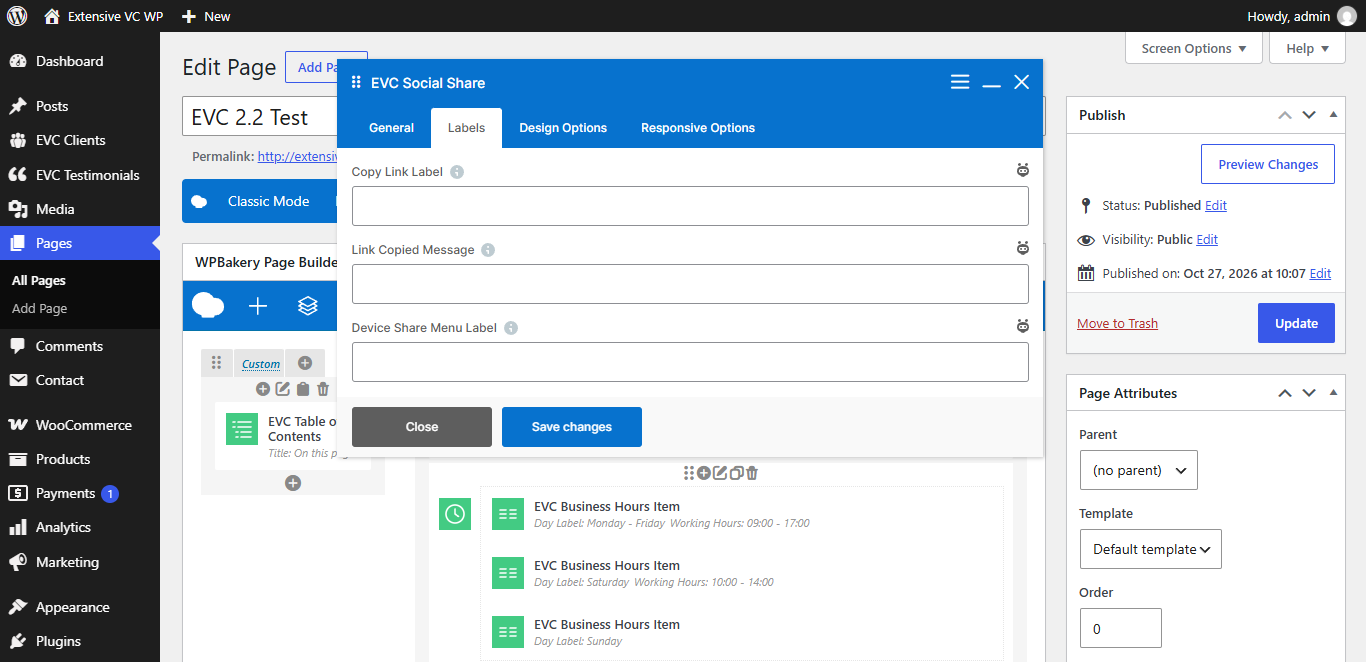
– Copy Link Label
– Link Copied Message
– Device Share Menu Label
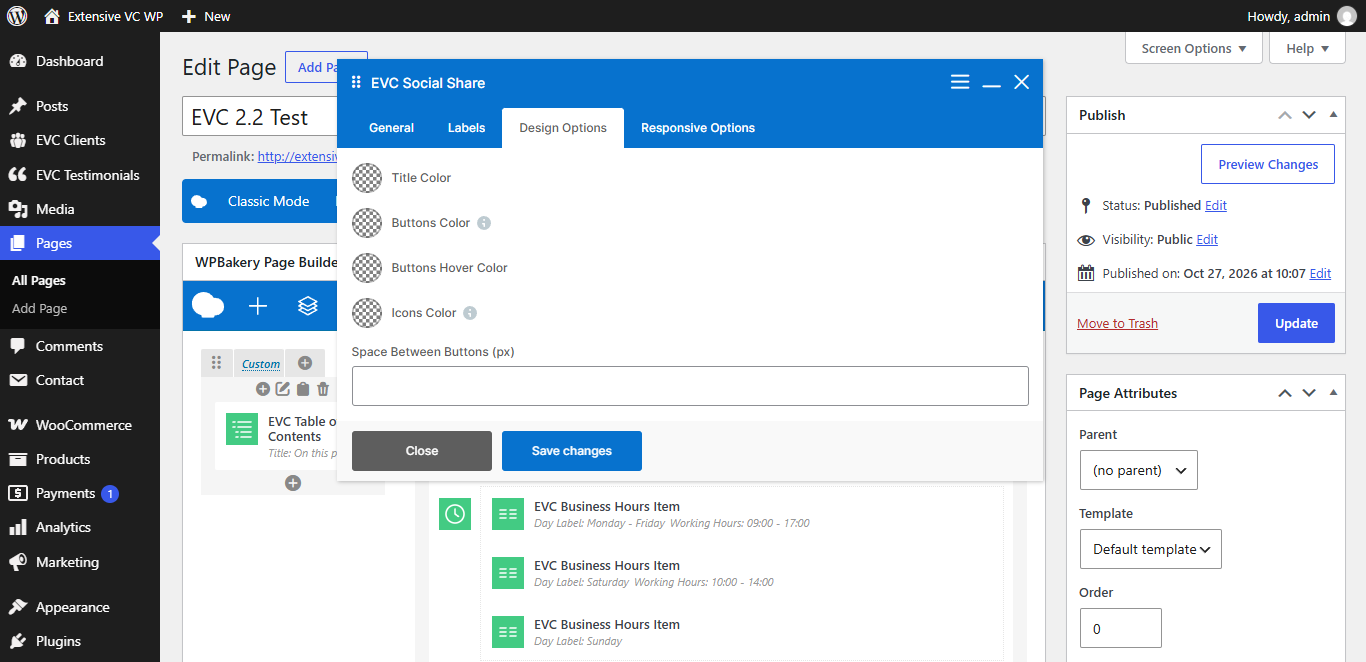
– Title Color
– Buttons Color
Leave empty to use brand colors
– Buttons Hover Color
– Icons Color
Icons and labels color for brand colors skin
– Space Between Buttons (px)
– Hide on Desktop
– Hide on Tablet (up to 1024px)
– Hide on Mobile (up to 680px)
– Margin on Desktop / Tablet / Mobile
Insert margin in format: top right bottom left (e.g. 10px 0 20px 0)